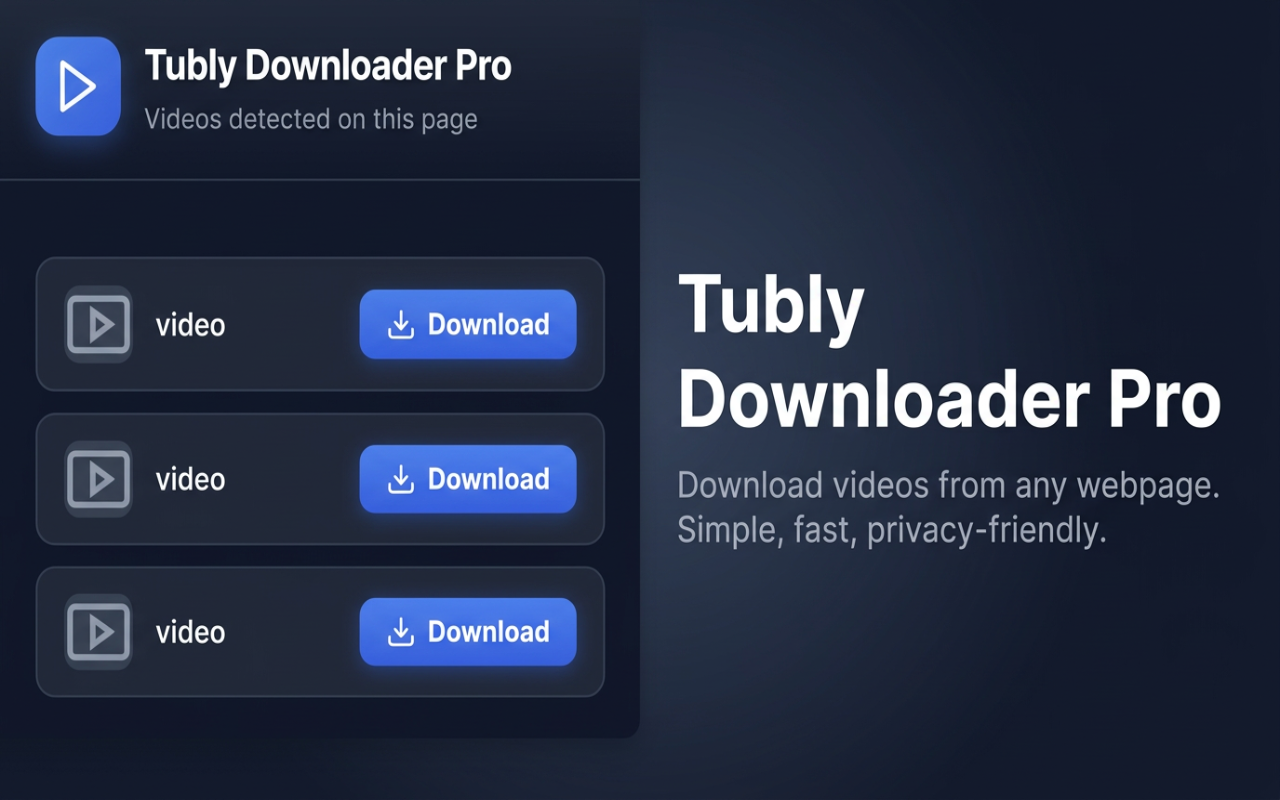
Tubly Downloader Pro
Download videos from any webpage. Simple, fast, and privacy-friendly.
How to use
- Install the extension from the Chrome Web Store and pin it to your toolbar.
- Open any website that has or plays video (e.g. YouTube, TikTok, or any page with embedded video).
- If needed, start playing the video so the extension can detect the video stream.
- Click the Tubly Downloader Pro icon in the toolbar.
- In the popup you’ll see a list of detected videos. Click Download next to the one you want and choose where to save it (e.g. as MP4).
Features
- Automatic video detection on the current page
- Network monitoring so video requests (e.g. MP4, WebM) are captured as they load
- One-click download with no sign-up or account required
- Dark, minimal popup interface
- Privacy-first: no data collection, no external servers; everything stays on your device
Install
Get Tubly Downloader Pro from the Chrome Web Store:
Chrome Web Store